
Introduction
Mongoose Studio is a developer-first GUI for Mongoose. It auto-detects your models and launches a modern dashboard to visualize your schema and manage your data. No configuration required.
Quickstart
Run Mongoose Studio instantly in your project root using your preferred package manager:
Installation
If you prefer to install it globally (though running via dlx/npx is recommended):
Project Setup
Mongoose Studio works with both JavaScript and TypeScript projects. Here are some common configurations:
JavaScript (CommonJS/ESM)
No special configuration needed. Just point to your models directory if it's not auto-detected.
npx mongoose-studio --models=src/models
TypeScript
Mongoose Studio uses `bun` internally to run your TypeScript files on the fly. You don't need to compile your code first.
npx mongoose-studio --models=src/models
Core Concepts
Smart Grid & Virtualization
Mongoose Studio uses virtualized scrolling. This means it can handle collections with 10,000+ documents without lagging your browser. It only renders what you see.
Smart Inference
Sometimes you don't have a strict schema defined for every field (e.g. `Mixed` types). Mongoose Studio analyzes your actual data to determine if a field is a Boolean, Date, or ObjectID, giving you the correct edit controls automatically.
Deep Linking
Data is relational. If you have a field like `author_id`, Mongoose Studio detects it. Clicking the value instantly opens the referenced Author document in a side panel, allowing you to traverse your data graph effortlessly.
Guides
Using the Dashboard
The dashboard is split into three main areas:
- LSidebar
Lists all your detected Models. Use the search bar to filter widely used collections.
- MMain View (Tabs)
Each model opens in a new tab. You can keep "Users" and "Posts" open side-by-side to cross-reference data.
- RContext Panel
Clicking a row opens the Document Sheet. Here you can edit fields, view raw JSON, or delete the document.
Filtering & Querying
The search bar isn't just for text. It supports a visual query builder.
Supported Operators
Real World Example
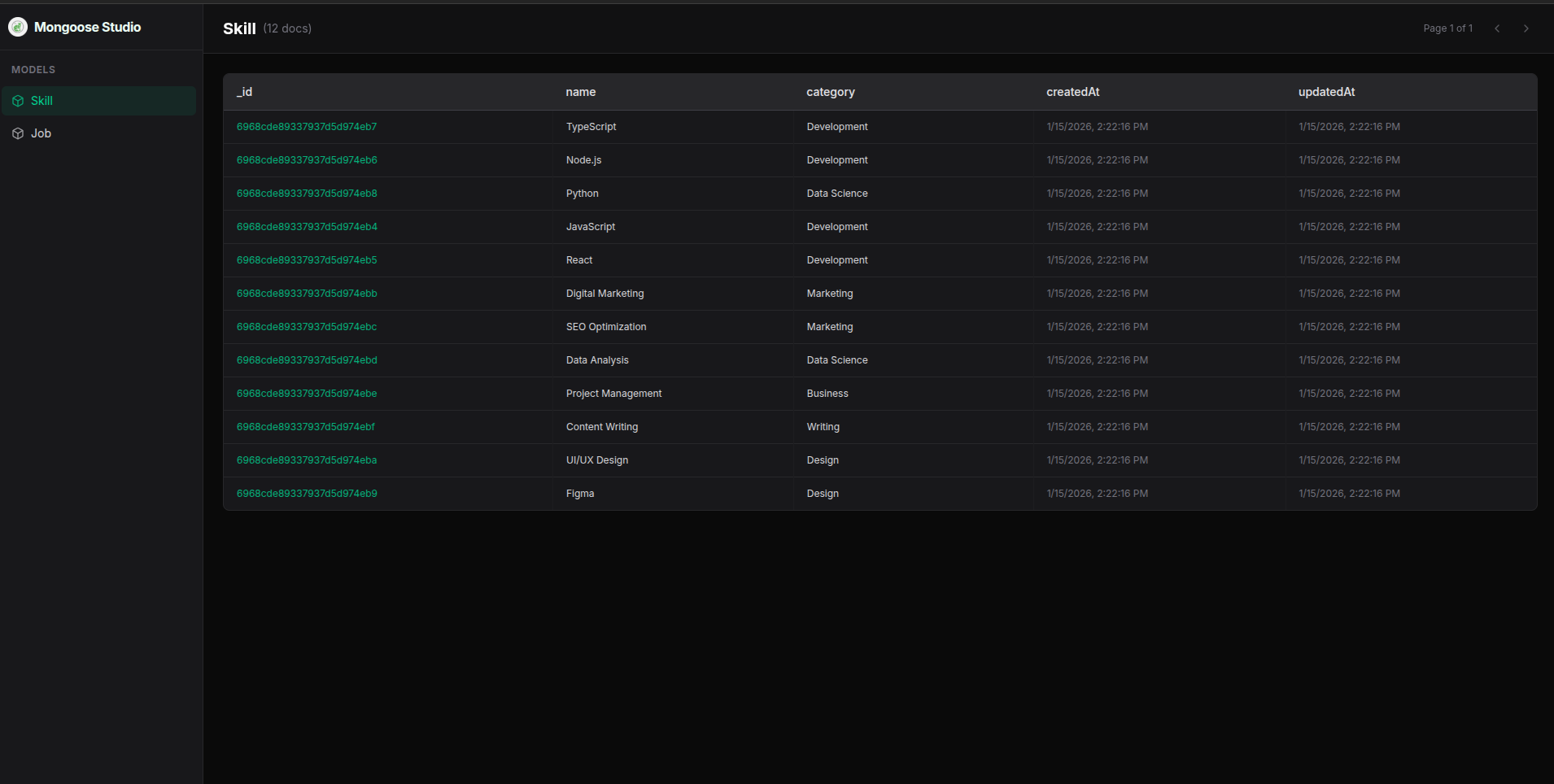
See how Mongoose Studio works in a real project. Follow these steps to clone a demo repo and inspect its models:
1. Clone the demo repository
git clone https://github.com/sirrryasir/mongoose-studio-demo.git
2. Install & Start Server
This starts the database and seeds it with data. Keep this terminal running.
cd mongoose-studio-demo && npm install && npm start
3. Run Mongoose Studio
Open a new terminal and run the studio pointing to the demo URI.
Configuration
You can configure Mongoose Studio using flags or Environment Variables in your `.env` file.
| Variable | Description |
|---|---|
| MONGO_URI | Your MongoDB connection string. If present in your '.env', it will be used automatically. |
| PORT | The port to run the studio on (default: 5555). |
CLI Options
| Flag | Description | Default |
|---|---|---|
| --port | Specify the port to run on | 5555 |
| --uri | Custom MongoDB connection URI | mongodb://localhost... |
| --models | Path to models directory | Auto-detected |
| --help | Show help message | N/A |
Troubleshooting
⚠ Mongoose not found
Mongoose Studio couldn't find the mongoose package in your project.
Solution:
- Ensure you are running the command from your project root.
- Ensure you have installed dependencies (npm install).
⚠ Models directory not found
The path specified by --models or the default paths (models, src/models) do not exist.
Solution:
npx mongoose-studio --models=src/database/models
ℹ No Mongoose models registered
Mongoose connected, but no models were found. This usually means your model files aren't being required.
Solution:
Point explicitly to your models folder so Mongoose Studio can require them:
npx mongoose-studio --models=src/models
FAQ
Does this work with remote databases?
Is my data safe?
Can I edit data?
Contributing
We welcome contributions! Mongoose Studio is open source.
Check out the repo, fork it, and submit a PR.